What it does
Measure on the drawings
Counts, lengths and areas, grouped by trade with the totals beside you as you go.
- Find every matching symbol on a sheet from one click
- Set the scale once from the title block
- Revisions laid over each other so you can see what moved
Price it and send the quote
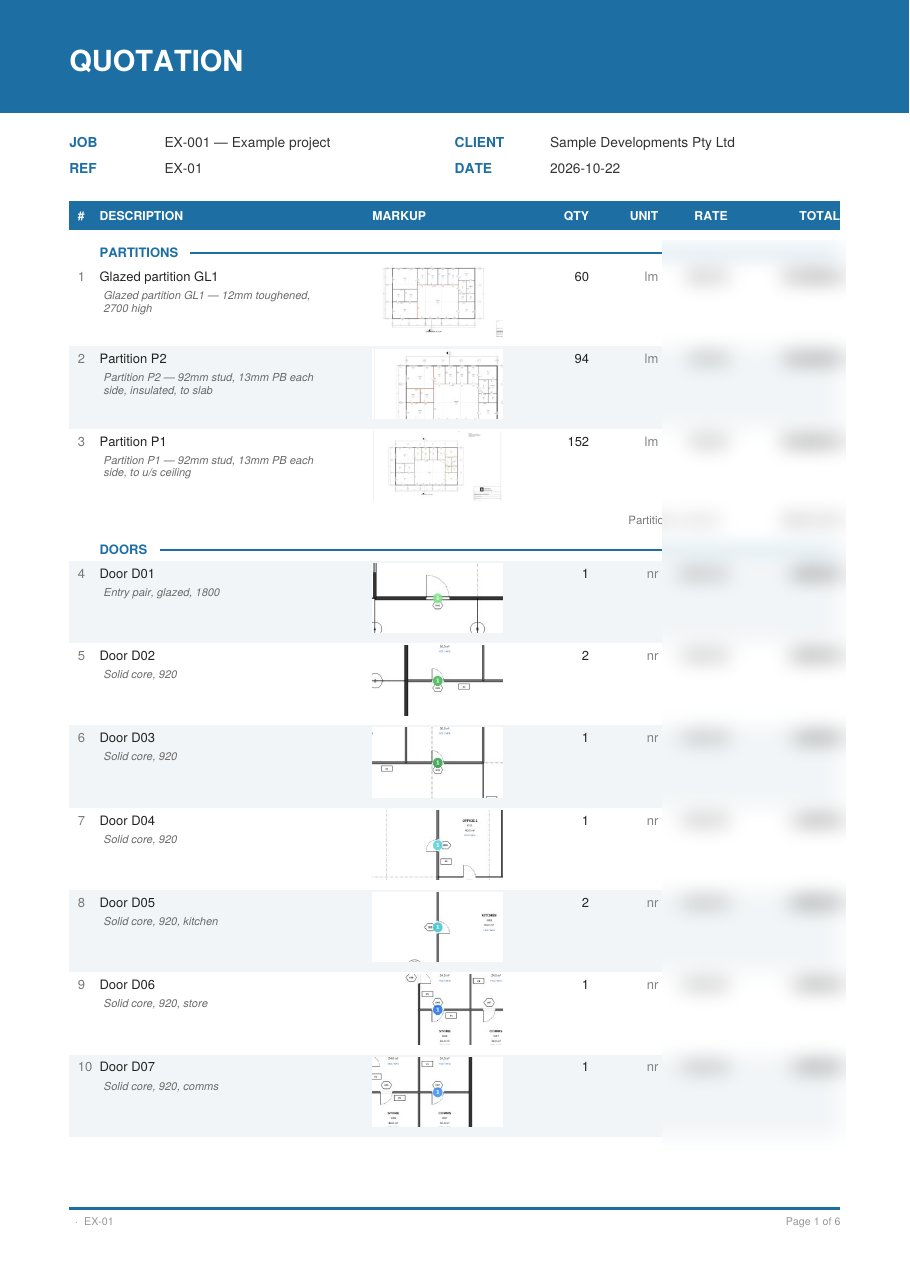
Every item lands in the quote with its quantity, grouped by trade. Add your rate and margin and the totals update as you type. When it's ready, export a PDF for the builder with a snapshot of the marks beside each line.
- Your own rates library, reused on every job
- Filter to one floor or one building
- Send a trade out for prices and level the quotes that come back
See it in 3D
Heights and levels turn the takeoff into a model. It's a quick way to check nothing is missing, and builders like being sent a link they can spin around. Every floor lines up into one building, clashes between the trades you pick are flagged, and share links never show your rates.
Open the example project in 3DThe real model. Spin it, zoom in, and turn trades on and off.Open